How do I log in to my Worthy account?
Last updated: September 30, 2026
Getting Started with Worthy
1.) Access the Portal: Log in using this LINK
2.) Authenticate: Enter your verification code
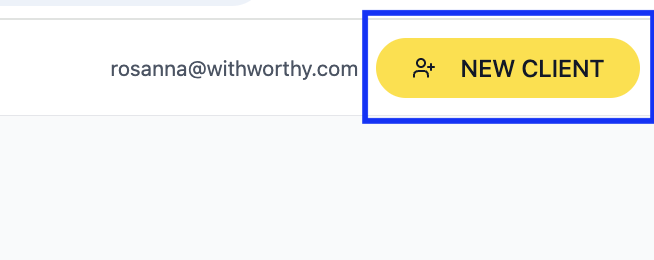
3.) Set Up Client: Click "New Client"
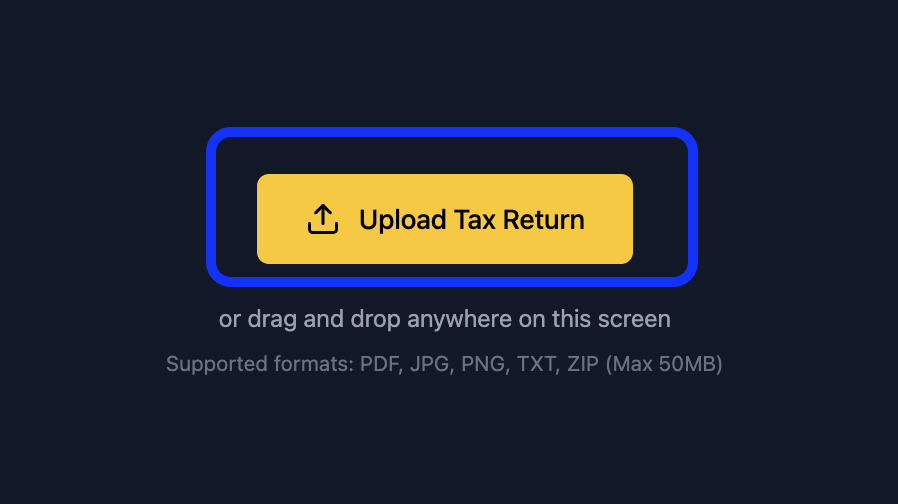
4.) Upload: Securely upload your tax return
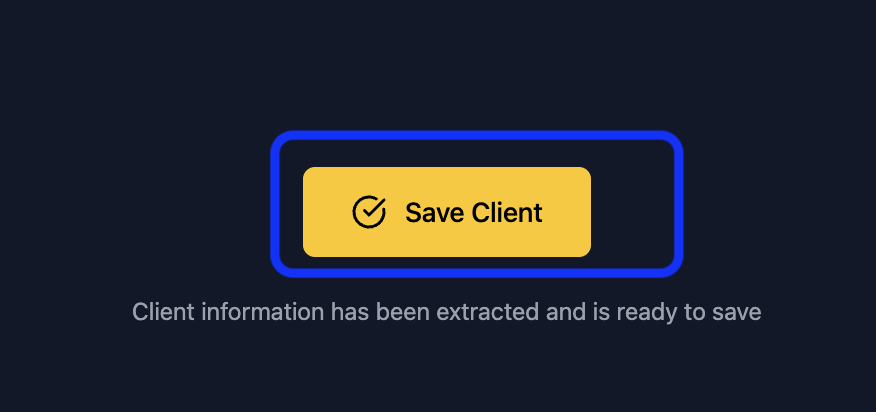
5.) Save and Chat: Hit the "Save Client" button. Worthy will then take you to a new screen where you can start typing your questions right into the chat box!
Any questions? Reach out to hello@withworthy.com